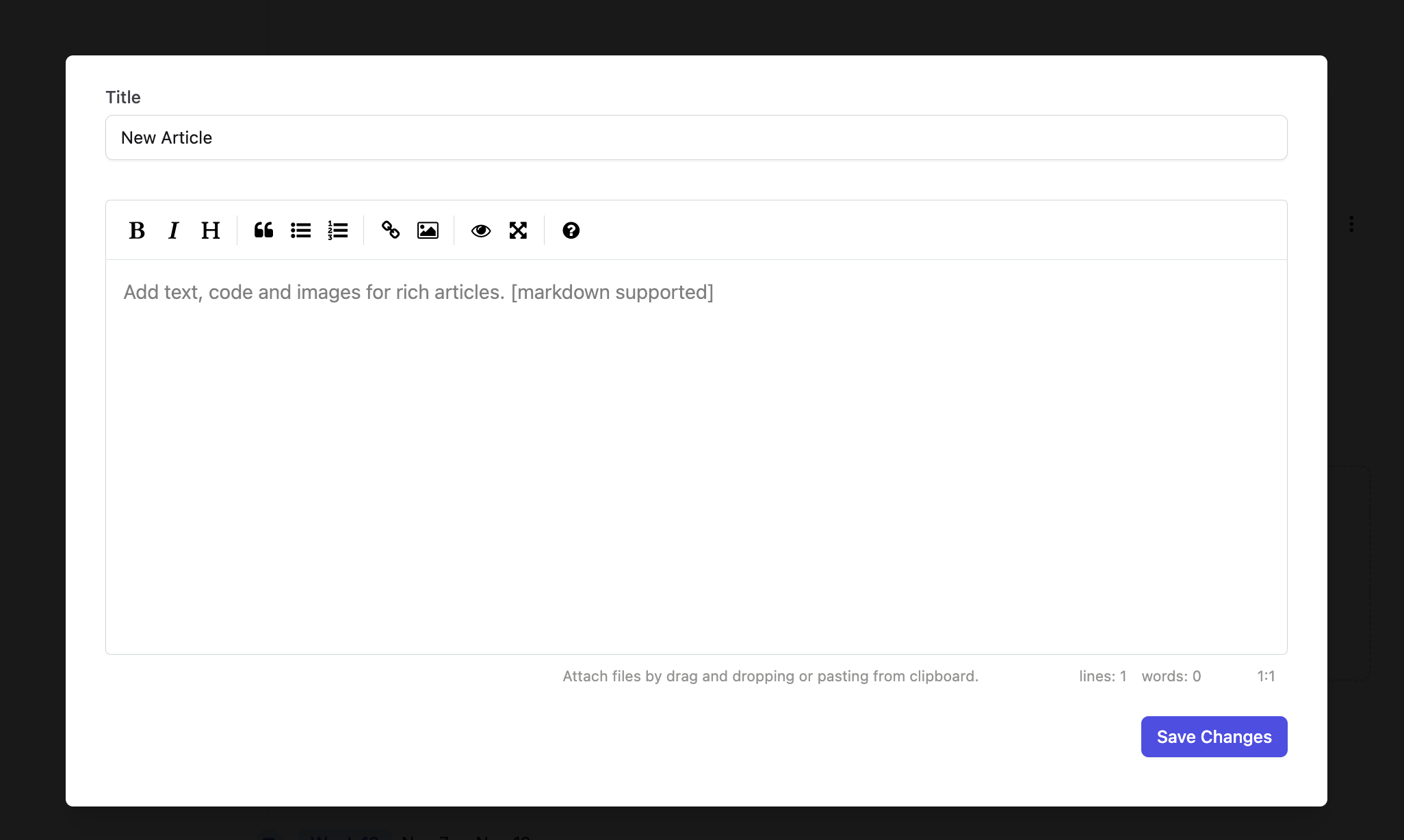
How do I create an article?
1
Expand course items
Click the
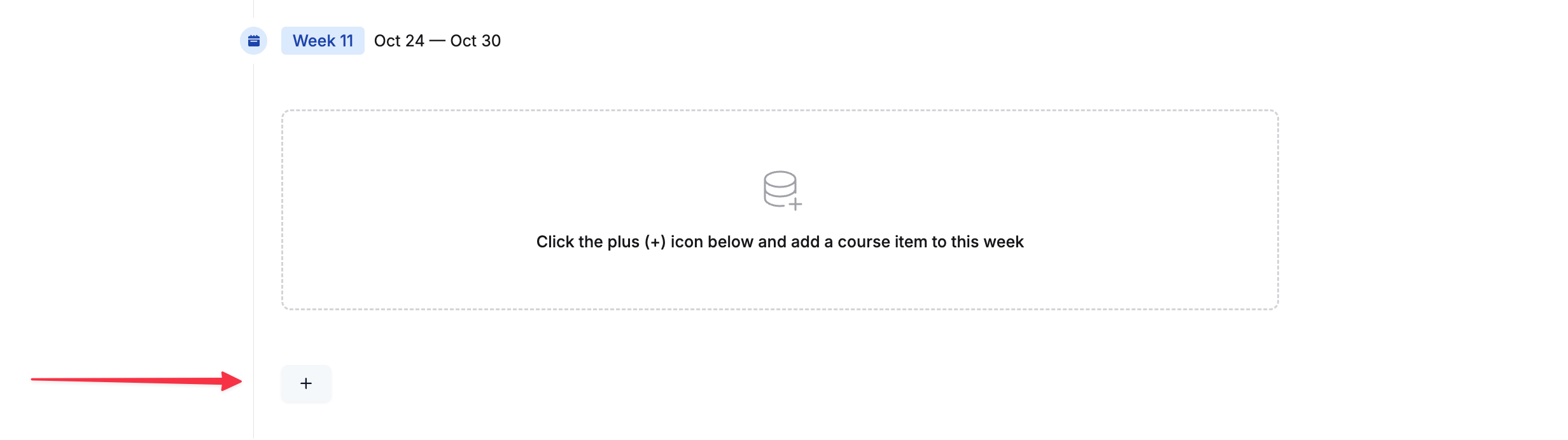
+ button to expand the course items’ view.2
Add an Article item
Click on
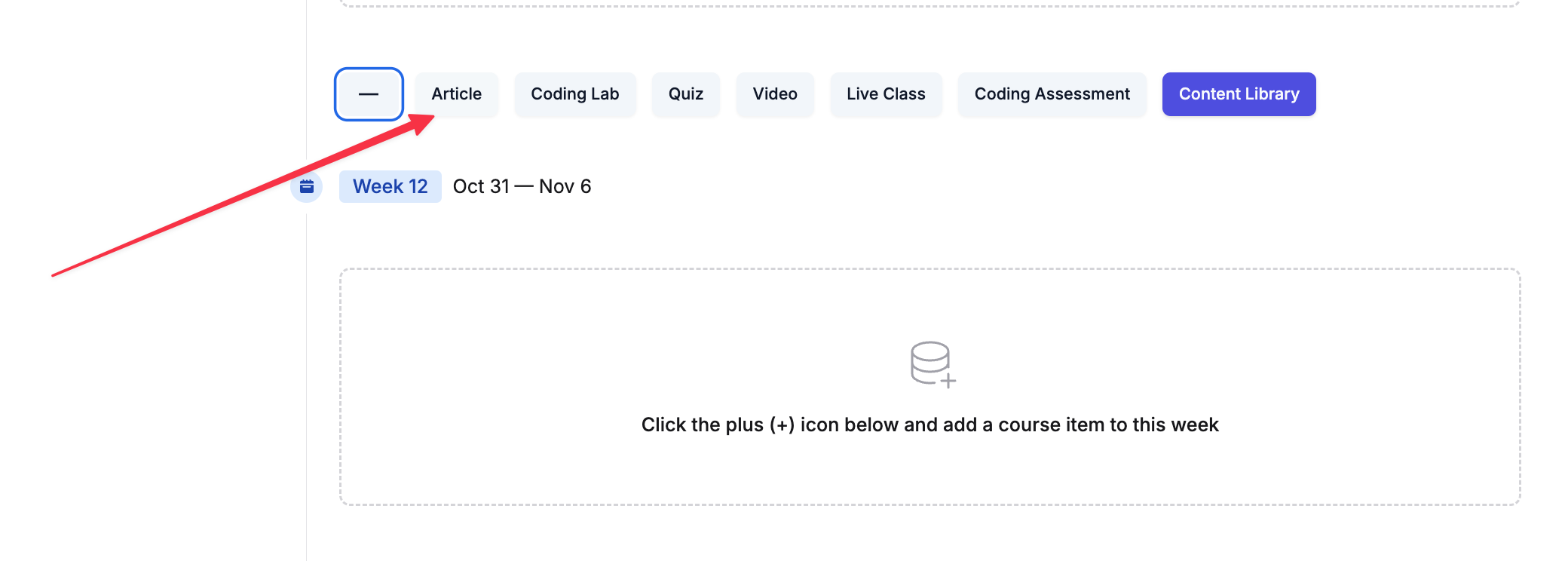
Article. This will add an article inside your chosen section.3
Edit the article
Click on the three dots of the new article (added as
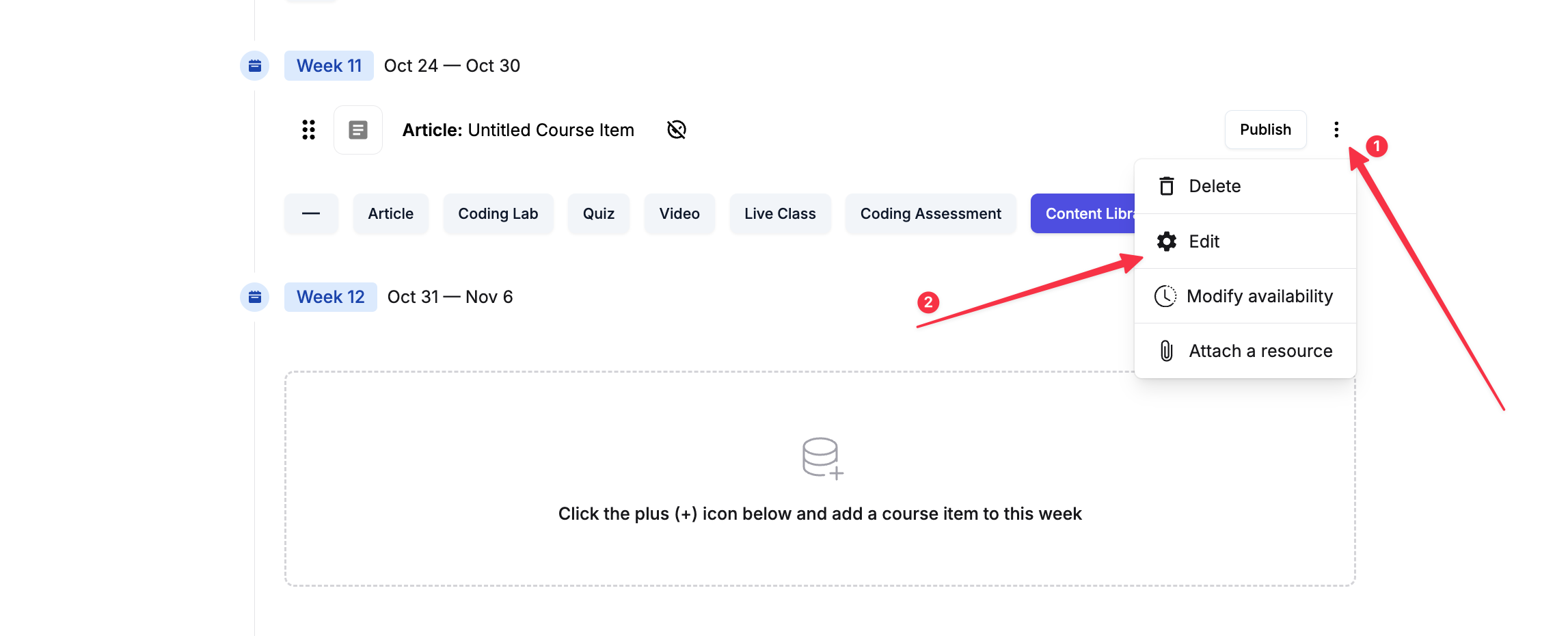
Article: Untitled Course Item) and select Edit.4
Update the content
A new editor will now open where you can change the article title and start adding your content.