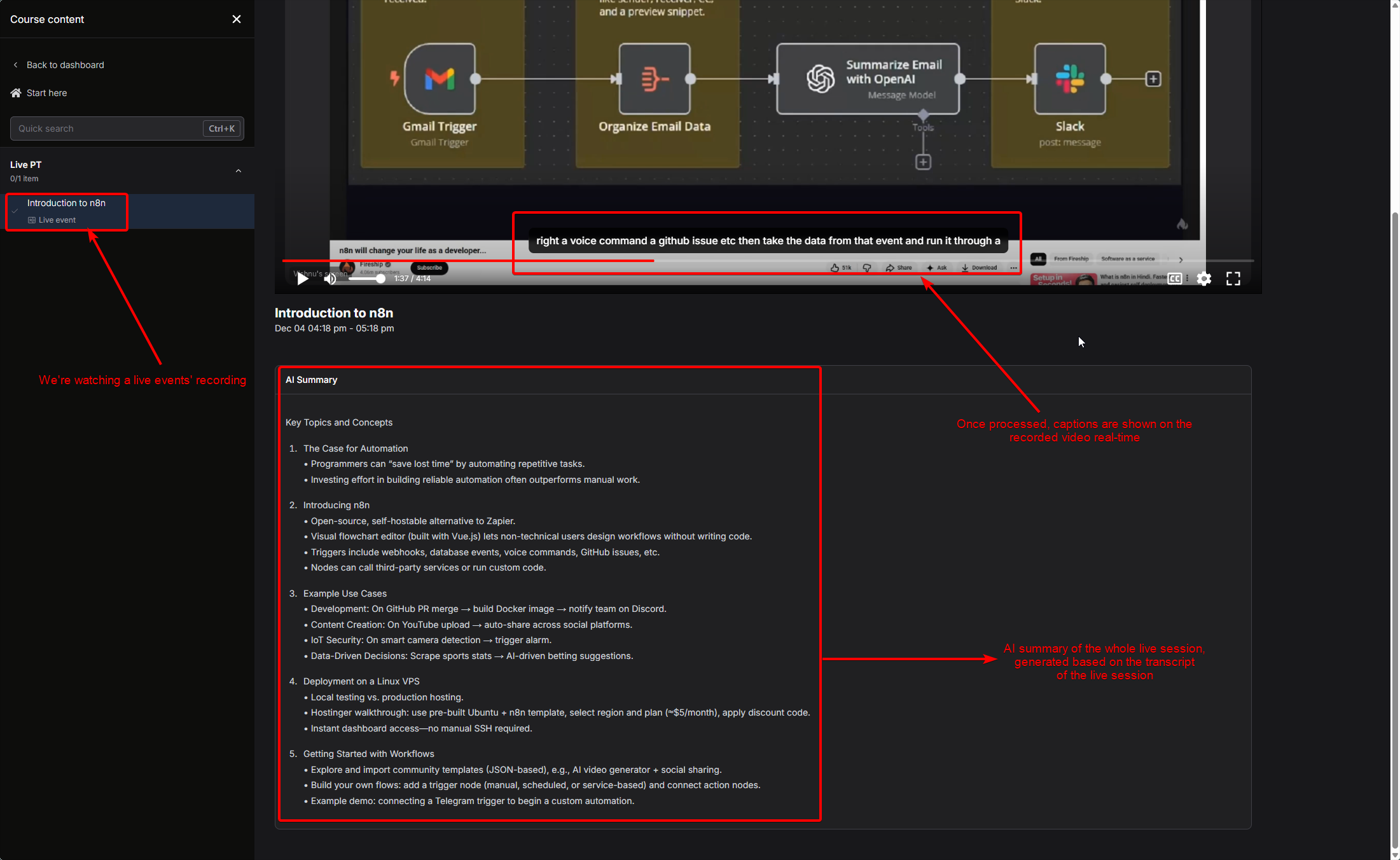
Enabling AI Summary
To enable AI summary for a specific live event, follow these steps:1
Go to Courses
Navigate to the Courses section.
2
Open the Course Builder
Open the Course Builder for a cohort-based course.

3
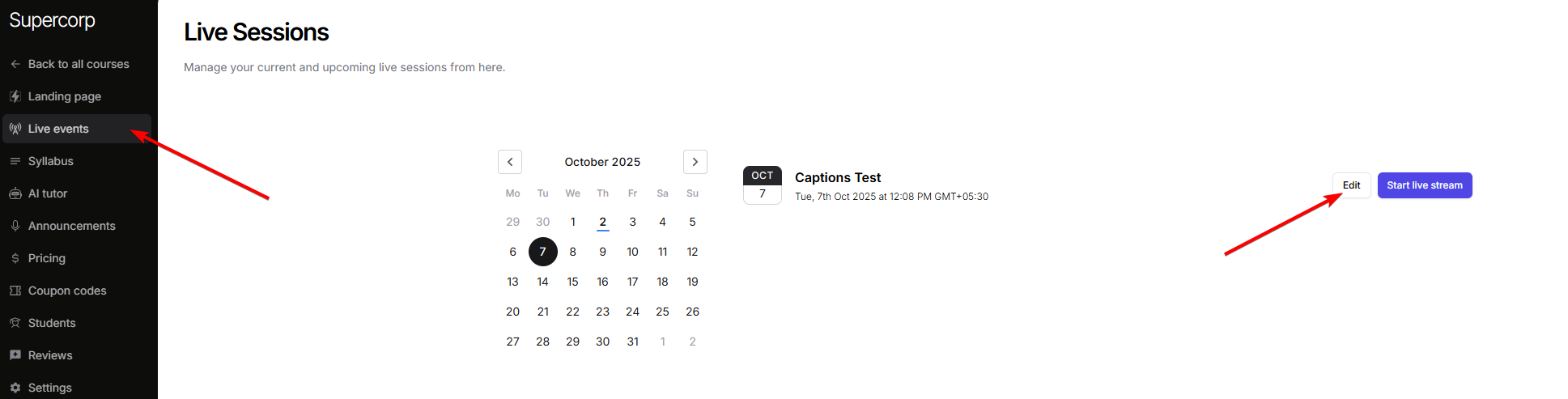
Navigate to Live events
Go to the Live events tab for your course.
4
Edit the relevant live event
Click Edit on the relevant live event.
5
Enable required options in Advanced Settings
In Advanced Settings:
- Enable the
AI Transcriptsoption to generate AI Transcripts (required for AI Summary) - Enable the
Recorded playbackoption to make sure users can watch the live stream recording