> ## Documentation Index
> Fetch the complete documentation index at: https://docs.fermion.app/llms.txt
> Use this file to discover all available pages before exploring further.
# Fixed Pricing Plans
> Learn how to create and manage fixed pricing plans for your courses or digital products.
Fermion lets you add and manage multiple pricing plans for your digital products. You can setup a fixed pricing plan, which requires a one-time payment from the students, or you can setup a partial payment plan for your students which works like a custom-EMI plan.
In this documentation we will learn how you can setup a fixed pricing plan for your courses or products.
You can use the same flow to setup pricing for other products ([course bundles](/setting-up-course/bundle),
[ebooks](/digital-products/introduction) etc). For simplicity, this documentation covers the setup flow for a course.
## How to setup a fixed pricing plan?
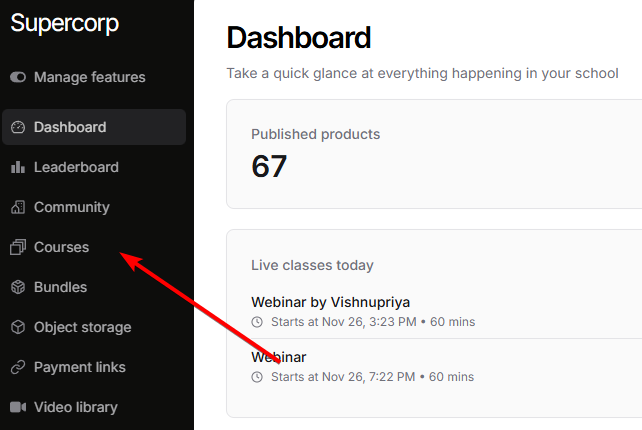
Head to any digital product in your school (let's use Courses as an example).
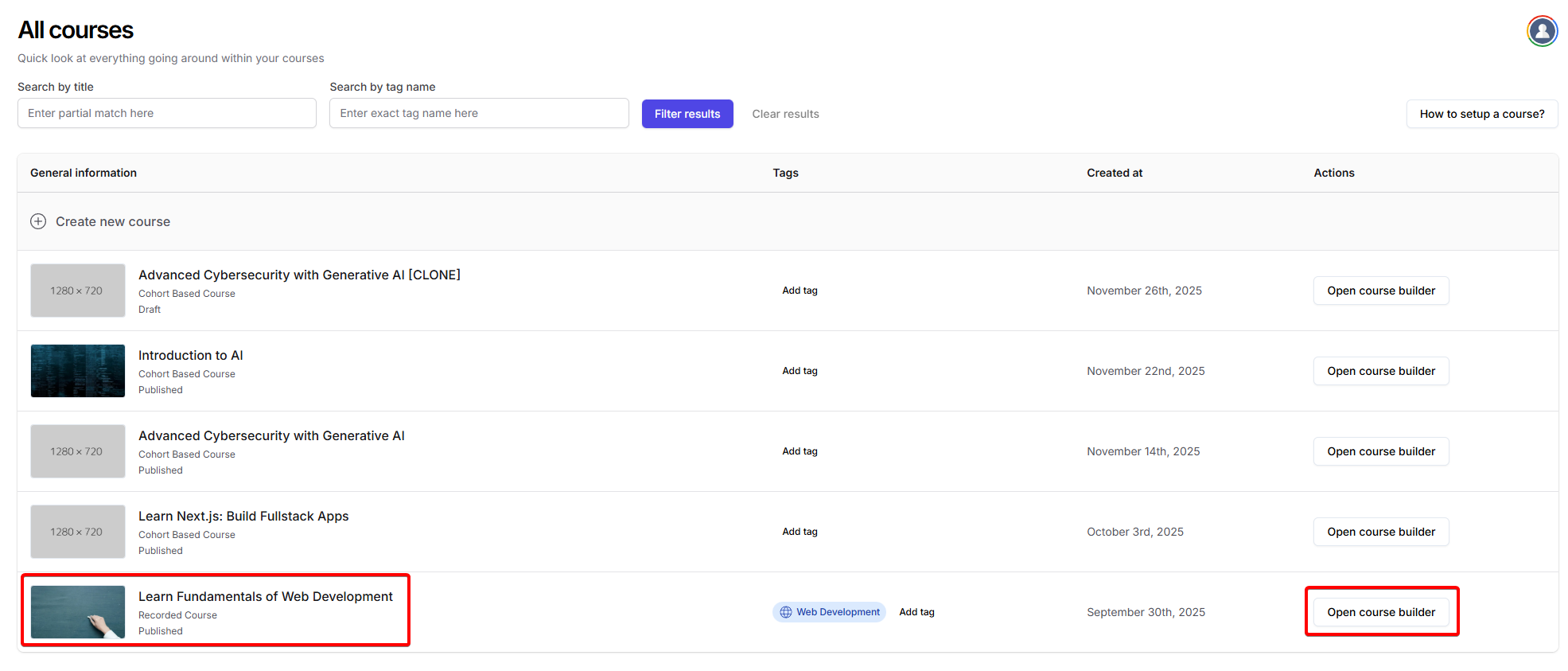
 Select the specific course you'd like to set a pricing plan for.
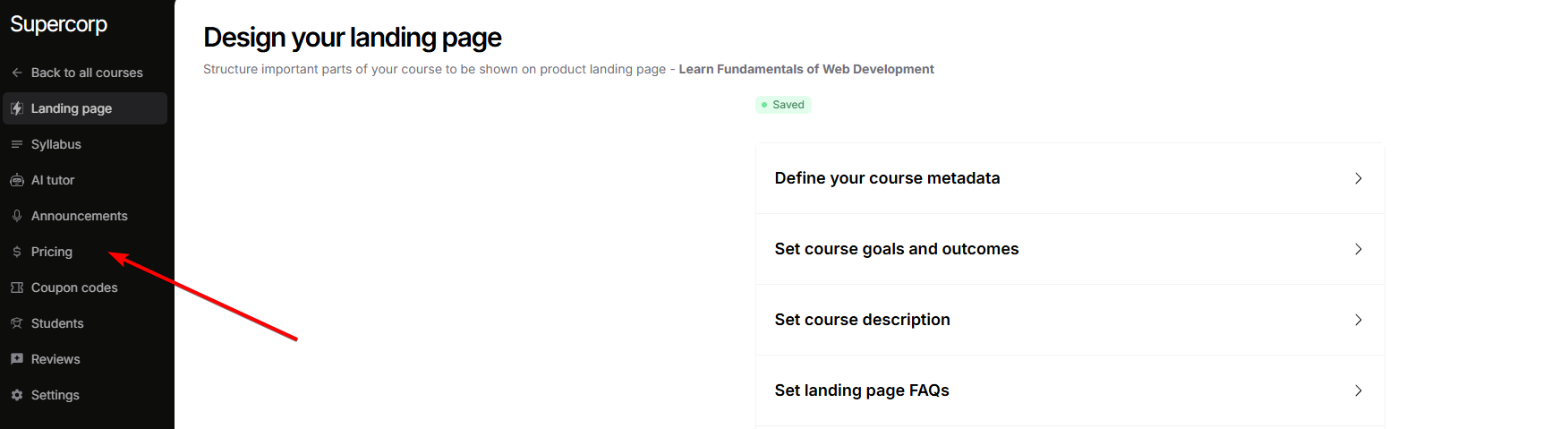
 Once inside the course builder, click on the `Pricing` tab from the sidebar
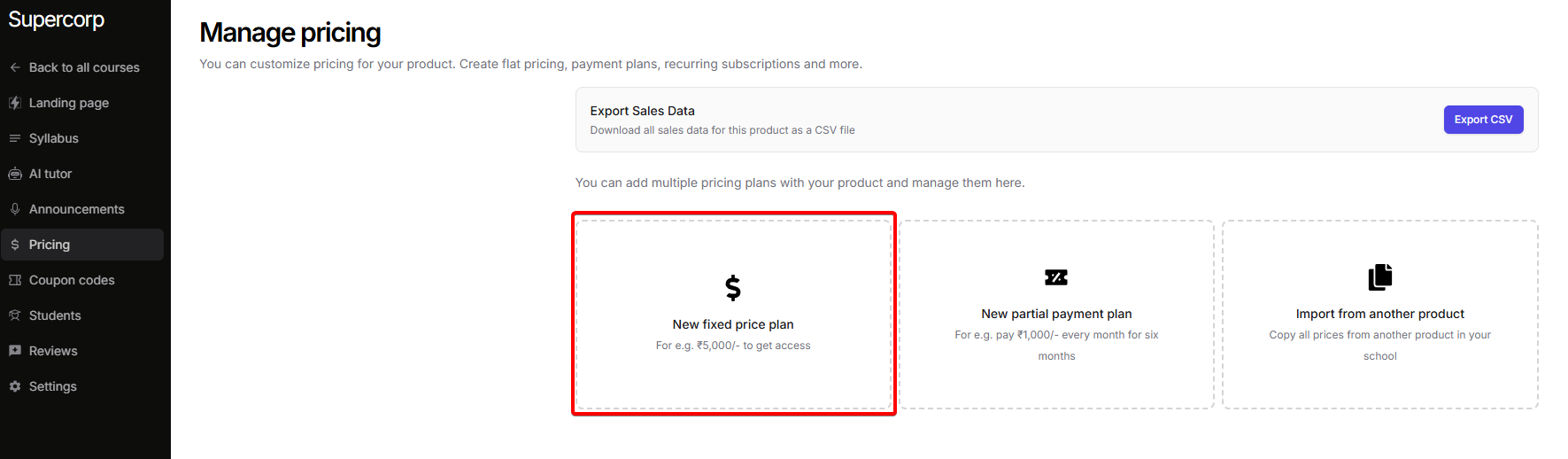 Click on the `fixed` plan option. This will expand the section and show multiple setup options.
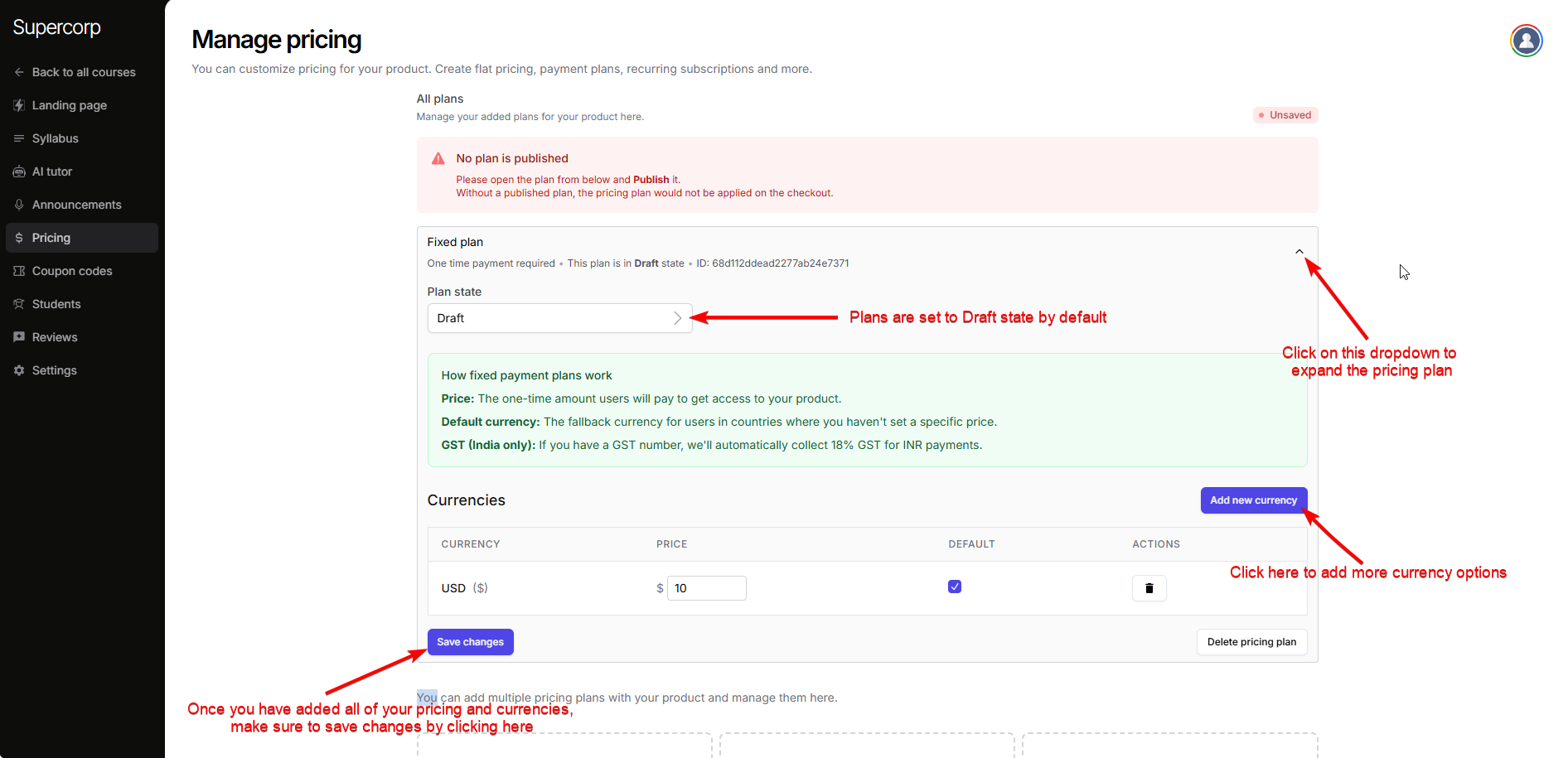
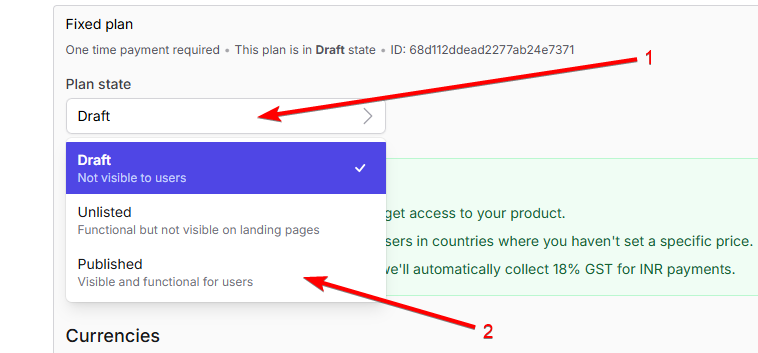
- Draft – Plan is invisible to users. Edit and configure in this state.
- Unlisted – Plan works but is not shown on your landing pages. You can open checkout via API.
- Published – Plan is visible and purchasable by users.
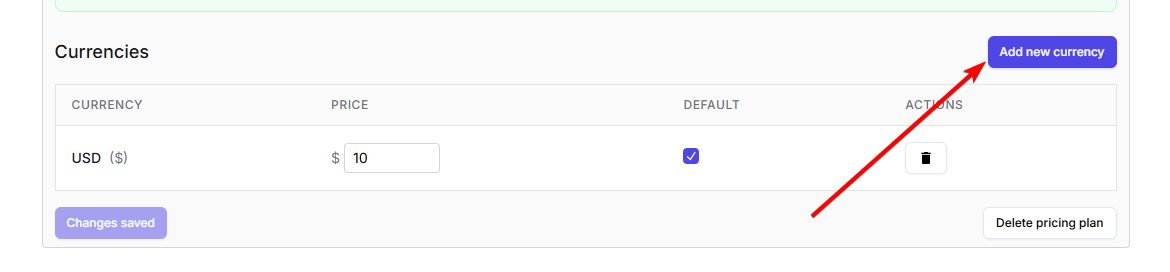
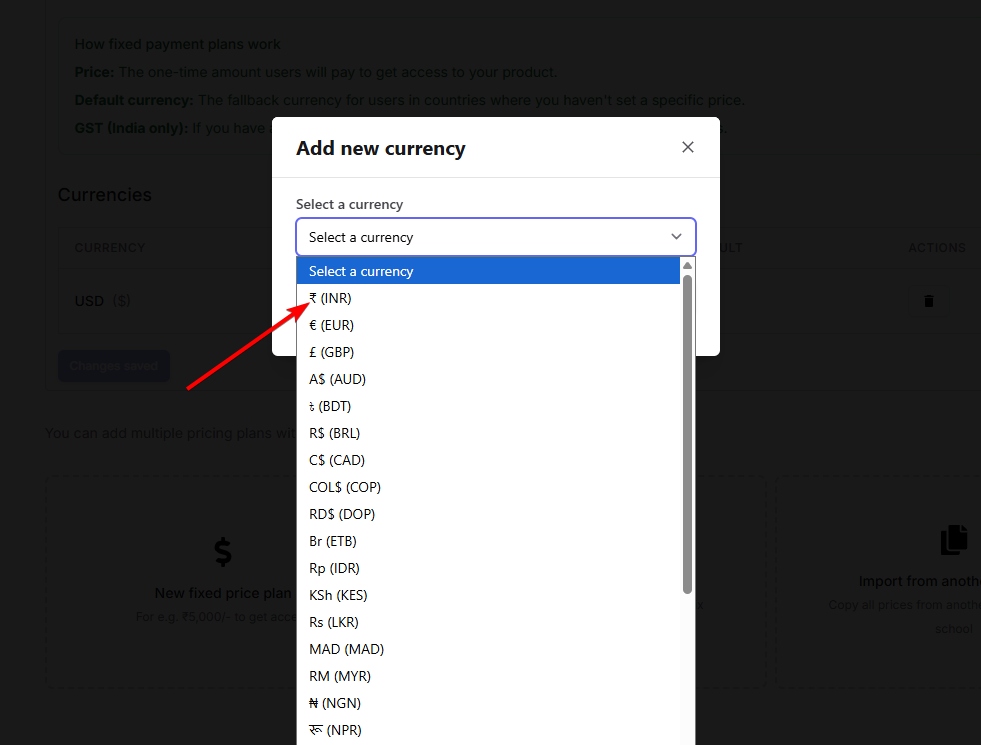
Click on Select a currency to pick the desired currency from the picker.
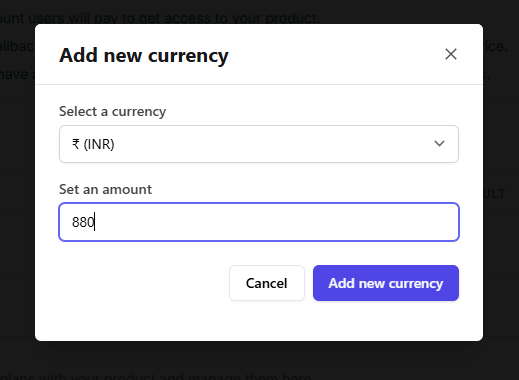
Enter the price or amount for the new currency.
Click on Add a new currency to add it to your plan.
 Click the Plan state dropdown and select Published.
Finally, click Save Changes to publish your new plan.