> ## Documentation Index
> Fetch the complete documentation index at: https://docs.fermion.app/llms.txt
> Use this file to discover all available pages before exploring further.
# Video Watermarking
> Learn how to protect your recorded videos using dynamic, viewer-specific watermarks on Fermion.
Fermion’s **video watermarking** feature helps you safeguard your premium content from unauthorized screen recording and sharing. Every viewer sees a unique, moving watermark containing their personal identifiers, such as name or email, making content leaks easily traceable.
***
## Enable Watermarking
To activate watermarking for all your recorded videos:
Navigate to **Dashboard → Settings → School Settings → Recorded Video Settings** to access watermarking options.
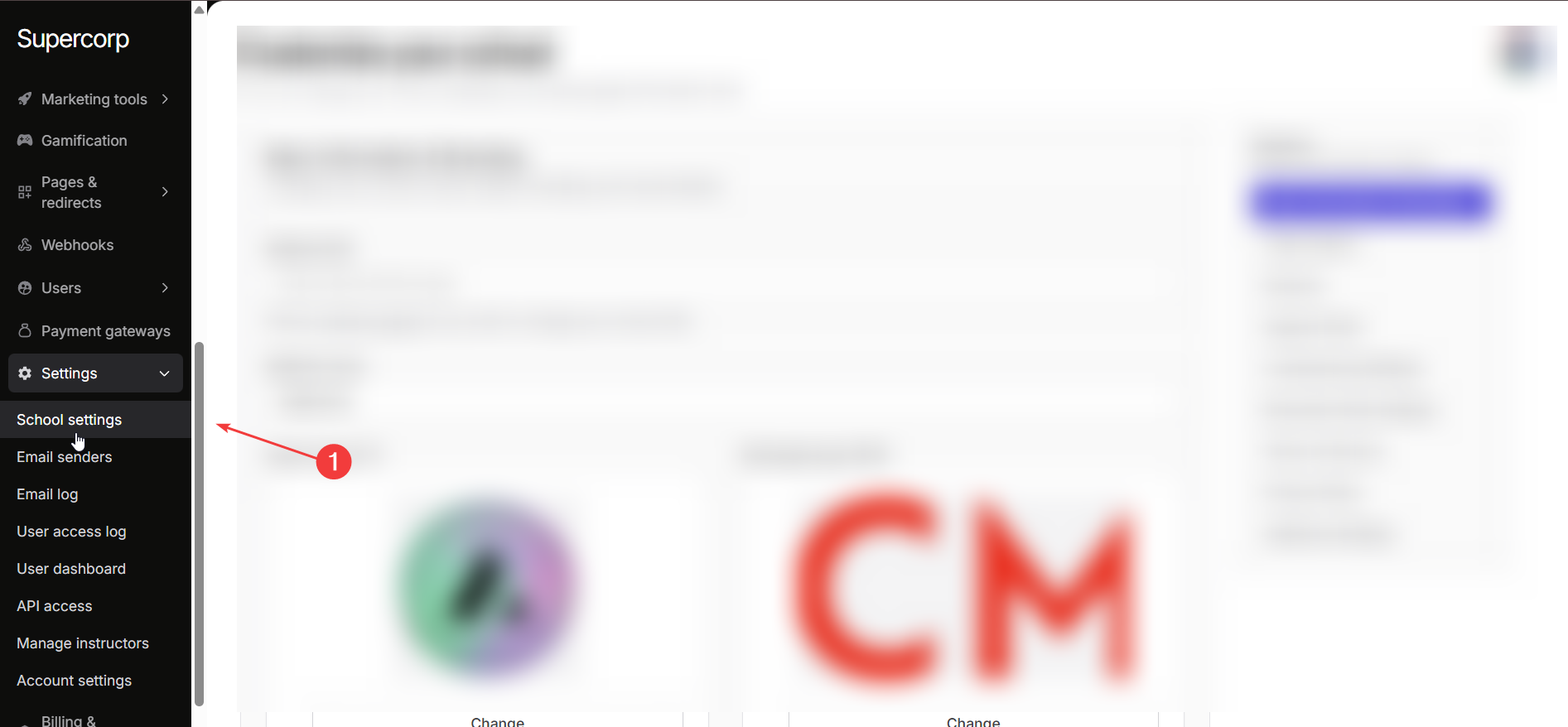
Toggle **Enable Video Watermarking** to activate watermark protection across all recorded videos on your school account.
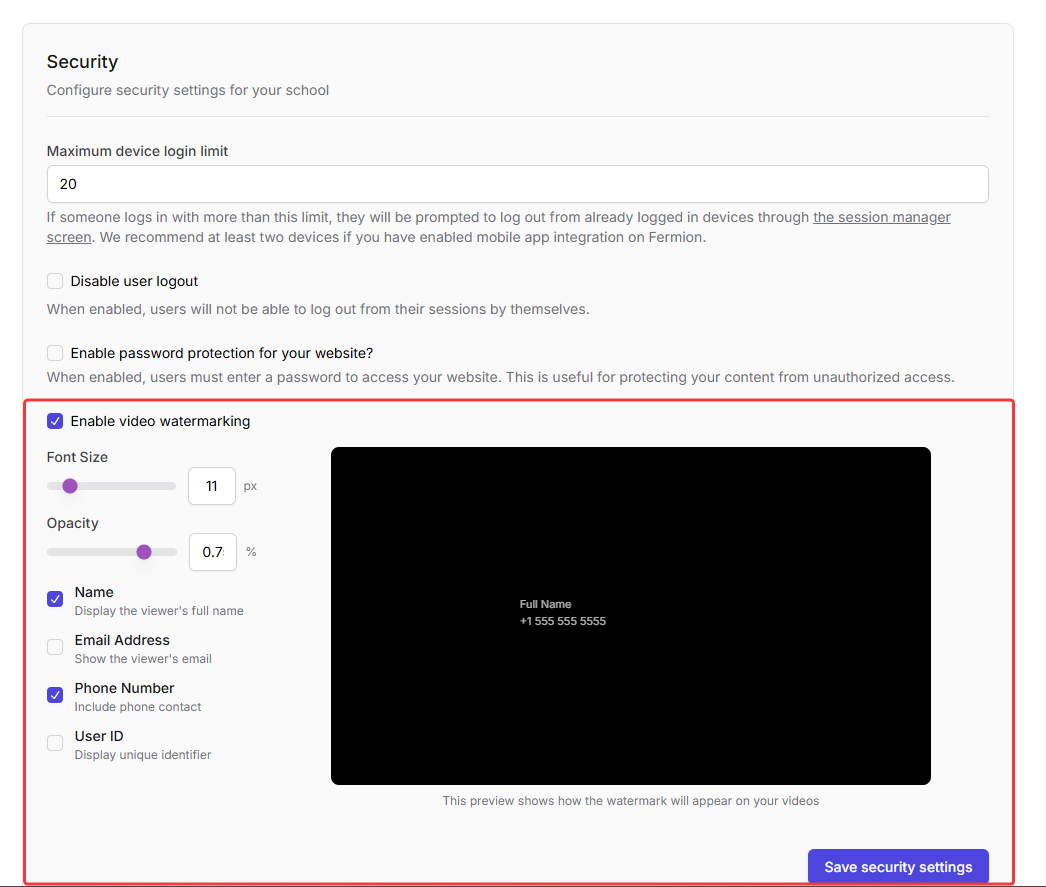
Adjust the **Font Size (px)** and **Opacity (%)** to control how prominently the watermark appears during playback.
Choose which viewer identifiers should appear in the watermark:
* Name
* Email Address
* Phone Number
* User ID
Review the **live preview** to confirm how your watermark will look, then click **Save Security Settings** to apply changes.
***
## Example Preview
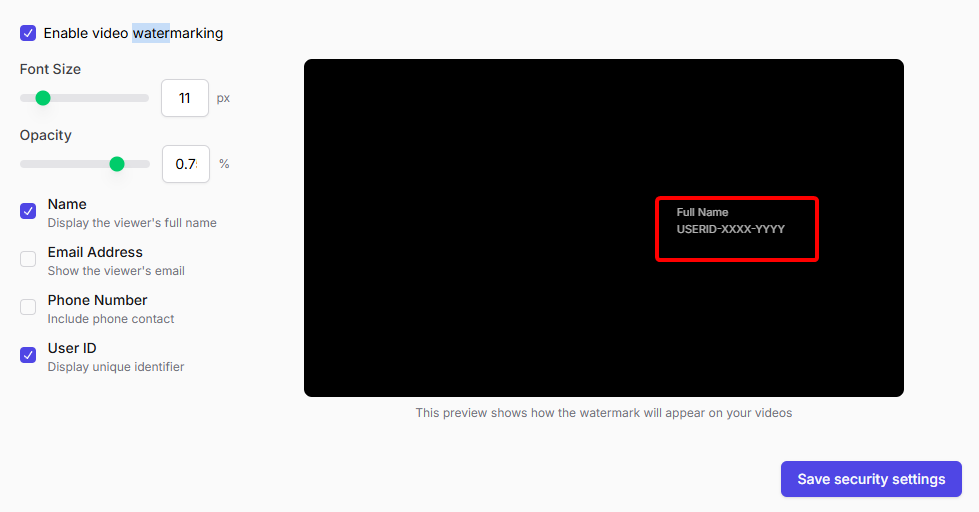
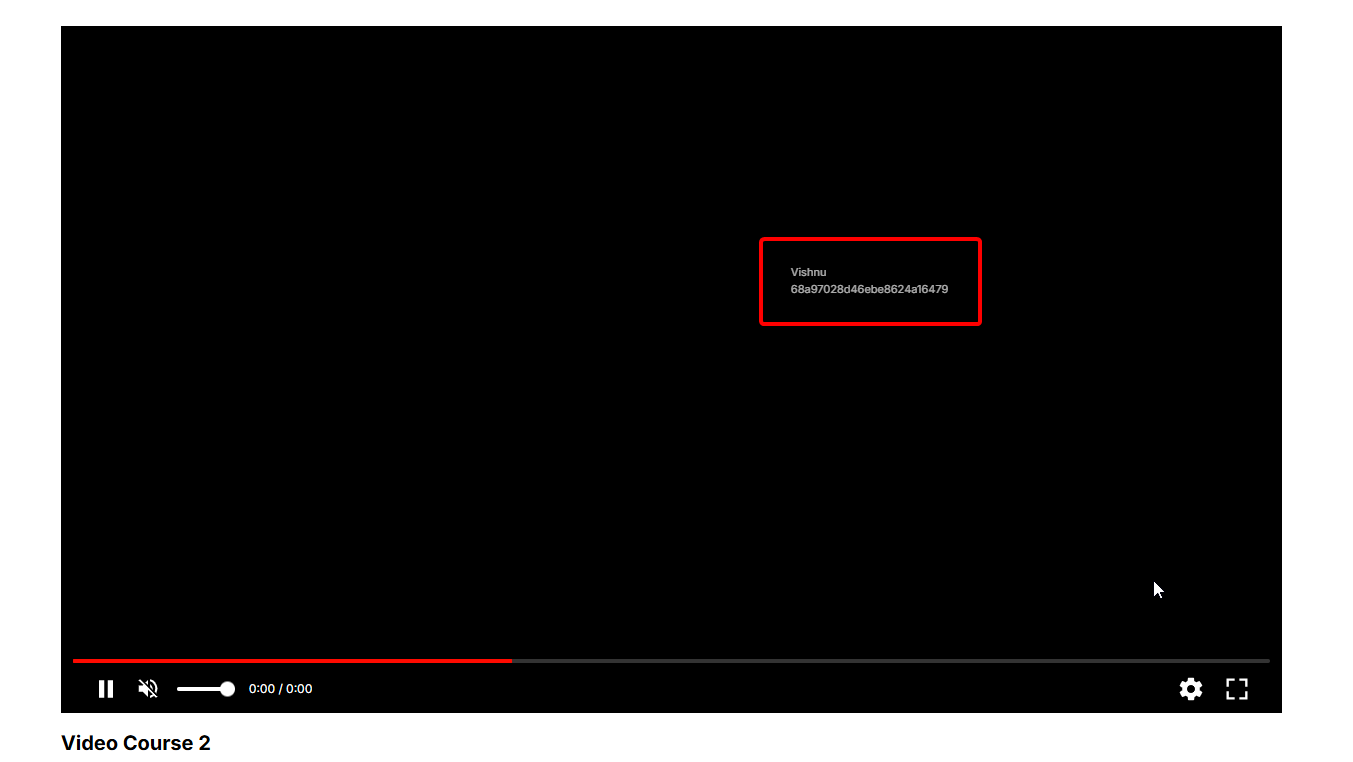
Below is a sample watermark applied with only **Name** and **User ID** enabled.
***
Add **AI-generated subtitles** to make your videos more accessible and multilingual.